Voice assistants are incredible tools, but sometimes hearing the information isn't enough. For many seniors—especially those with mild cognitive decline or hearing loss—smart displays bridge the gap by showing the information clearly while still responding to voice commands.
A smart display is simply a smart speaker (like an Echo or Google Nest) with a built-in touchscreen. This screen transforms the experience from "listening" to "seeing and interacting," opening up powerful new ways to stay connected and safe.
Why Choose A Smart Display?
We recommend smart displays for seniors who want more certainty. Seeing a timer count down, reading a weather forecast, or seeing who is at the door provides a level of comfort that a voice-only speaker cannot match.
The Power of "Face-to-Face"
For seniors living alone, isolation is a real health risk. Smart displays utilize "drop-in" or simple video calling features that allow families to visit virtually. Seeing a grandchild's smile is far more impactful than just hearing their voice on a phone call.
Top 3 Benefits For Seniors
1. Visual Reminders That Stick
Audio reminders can be missed if the TV is on or if hearing is difficult. A smart display shows the reminder ("Take Blood Pressure Medication") on the screen until it is dismissed. This "persistent" notification is a game-changer for daily health routines.
2. Hands-Free Helper
Following a recipe, checking a calendar, or looking at a shopping list is easier when the text is large and high-contrast. Seniors can ask, "Alexa, show me my calendar," and see their week at a glance without finding their reading glasses or fiddling with a small phone screen.
3. A Window to safety
When connected to a smart doorbell or security camera, the smart display becomes a safety monitor. If the doorbell rings, the senior doesn't need to rush to the door or squint at a peephole—they can just look at the screen on their kitchen counter to see who is there.
Best Smart Display Options In 2026
While there are many brands, we focus on the most senior-friendly ecosystems. For a deeper dive into Amazon's lineup, see our 10 Best Alexa Devices for Seniors guide.
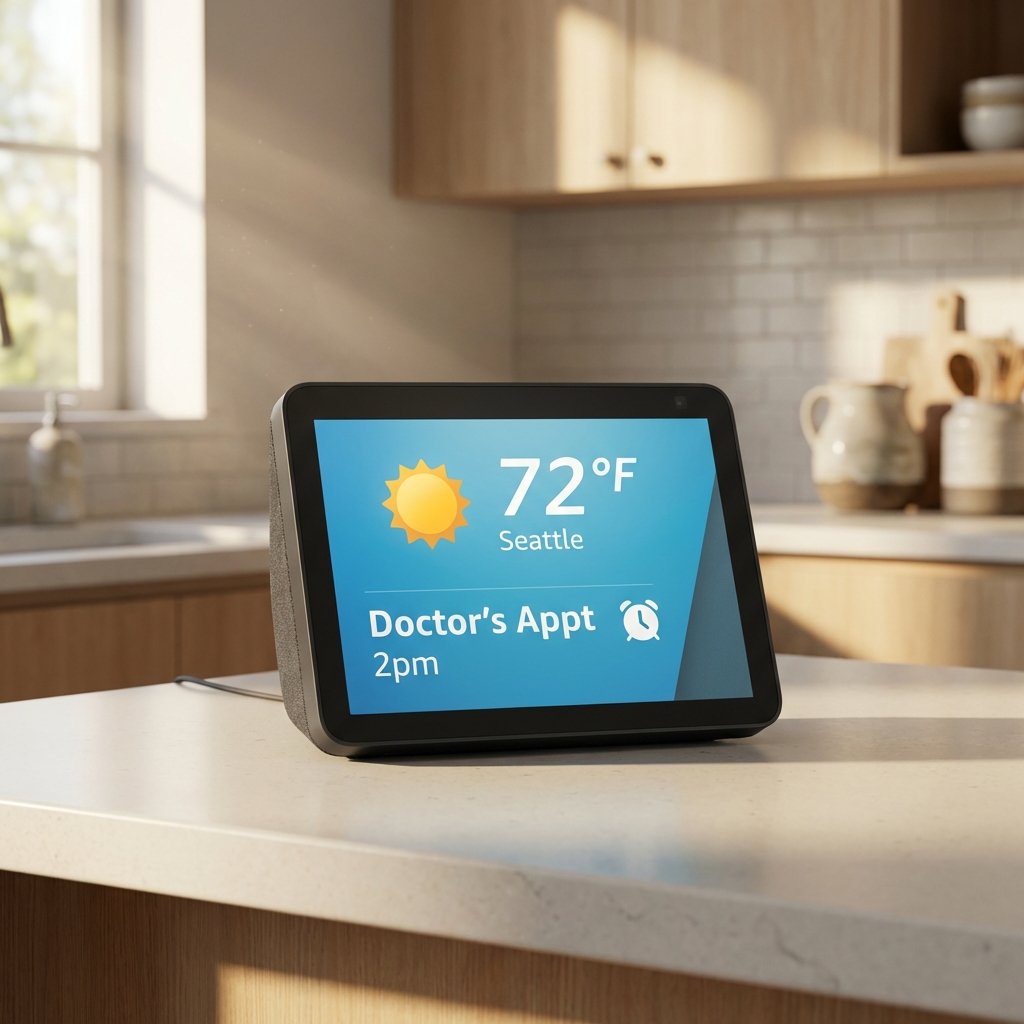
Amazon Echo Show 8 (3rd Gen)
The "Goldilocks" Choice
The 8-inch screen is large enough to see clearly from across the kitchen but small enough to fit anywhere. It features an excellent centered camera for video calls and crisp audio.
Best For: Kitchens, living rooms, and general daily use.
View on Amazon ➜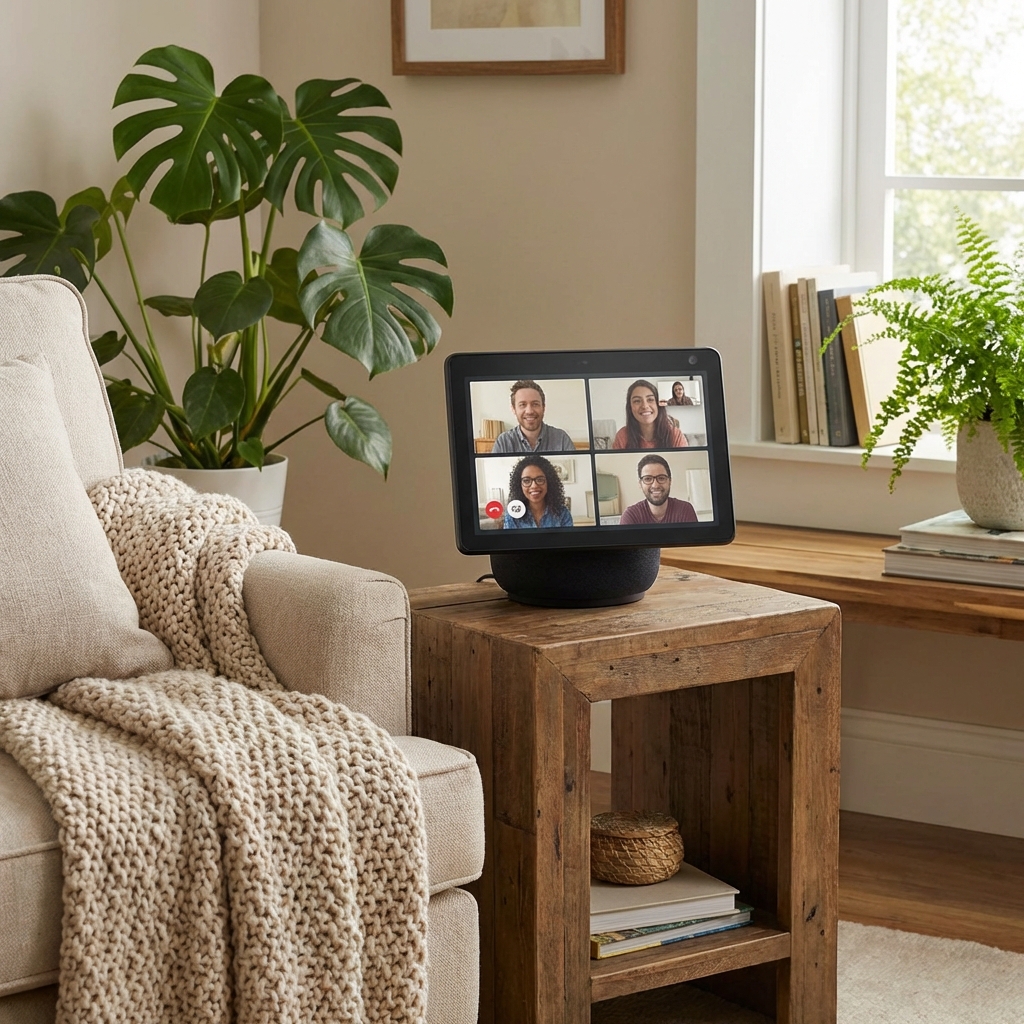
Amazon Echo Show 10
The "Follow-Me" Screen
This premium device has a screen that physically rotates to face you as you move around the room. This effectively keeps the senior "in frame" during video calls even if they are cooking or moving about.
Best For: Active seniors who want to stay connected while moving around.
View on Amazon ➜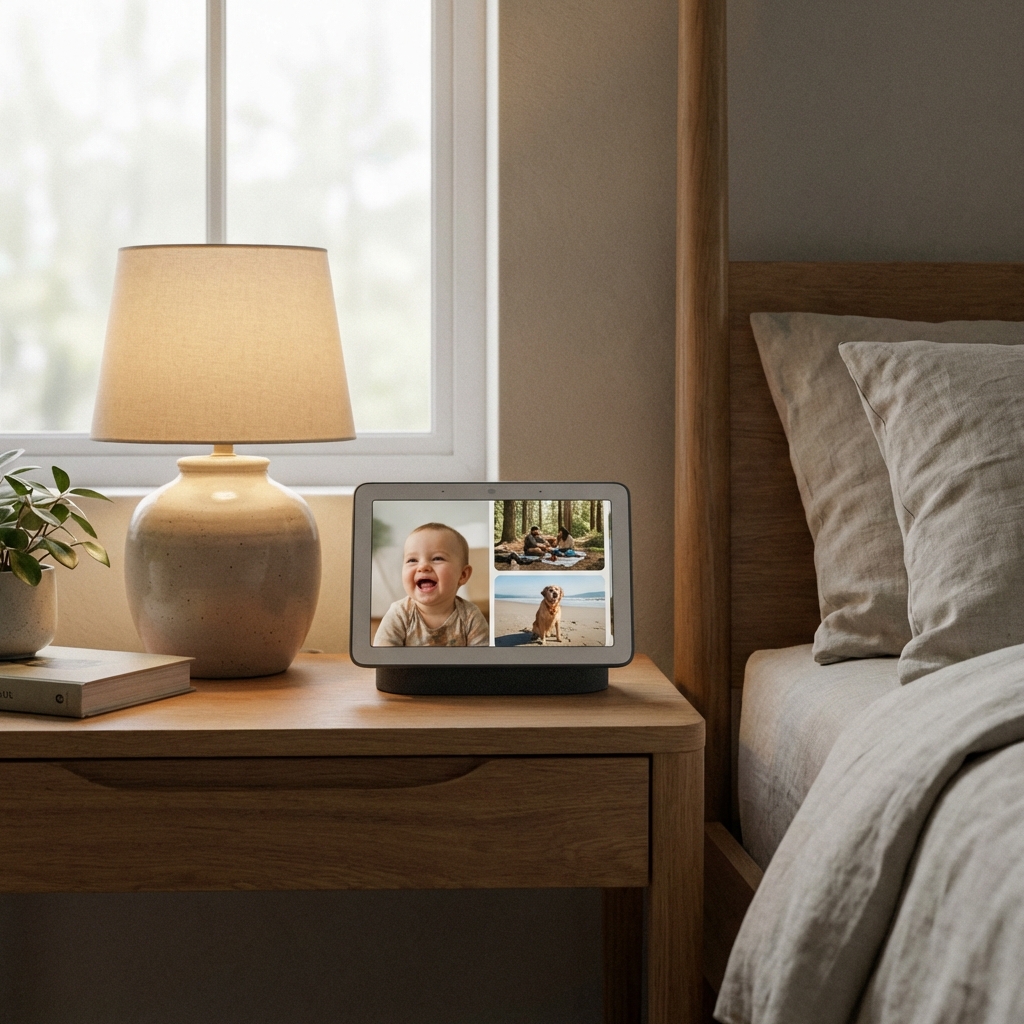
Google Nest Hub (2nd Gen)
The Best Photo Frame
If the priority is displaying family photos, Google's photo frame mode is superior. It automatically adjusts to room lighting to make photos look like real prints. It lacks a camera (for privacy), meaning no video calls out, but great for privacy-conscious bedroom use.
Best For: Bedside tables and viewing family photo albums.
View on Amazon ➜Important Setup Tips
- Privacy First: Most smart displays have a physical shutter to cover the camera. Show the senior how to use this so they feel secure.
- Accessibility: Go into the settings and enable "Accessibility" features to increase text size and contrast.
- Placement matters: Place the device in a high-traffic area like the kitchen island or next to the favorite armchair, not tucked away in a corner.
Ready to choose? Compare features in depth:
Compare Voice Assistant Features