AI usage among adults 50+ has nearly doubled in just one year, and over half say they already use or are interested in using a voice assistant like Alexa, which makes this the right time to choose safe, simple devices for seniors living independently.
Key Takeaways
| Question | Answer |
|---|---|
| What is the best Alexa device for most seniors living alone? | For many seniors, a simple Alexa smart speaker or display recommended in our voice assistants for seniors guide works best, because it offers hands-free help, reminders, and easy access to information. |
| Can Alexa really help with safety at home? | Yes, Alexa can control smart safety devices such as fall detection sensors and emergency alerts described in our smart safety devices guide, so seniors can call for help with their voice. |
| How does Alexa improve home security for seniors? | Alexa can connect to smart doorbells, indoor cameras, and locks, like those in our home security solutions overview, so seniors can see who is at the door and lock doors without getting up. |
| Is Alexa too complicated for older adults who are not tech savvy? | No tech skills are needed once things are set up, especially if you follow our step-by-step daily routines with Alexa guide to automate common tasks with simple voice commands. |
| Can Alexa help with medication and health reminders? | Yes, Alexa routines can gently remind seniors about medications and check-ins, similar to the solutions in our medication & health reminders guide. |
| How do I start building an Alexa-based safety plan? | We suggest starting with one Alexa device and following the simple steps in our getting started smart home roadmap, then adding safety, lighting, and security devices over time. |
1. Why Alexa Devices Work So Well For Seniors Living Alone
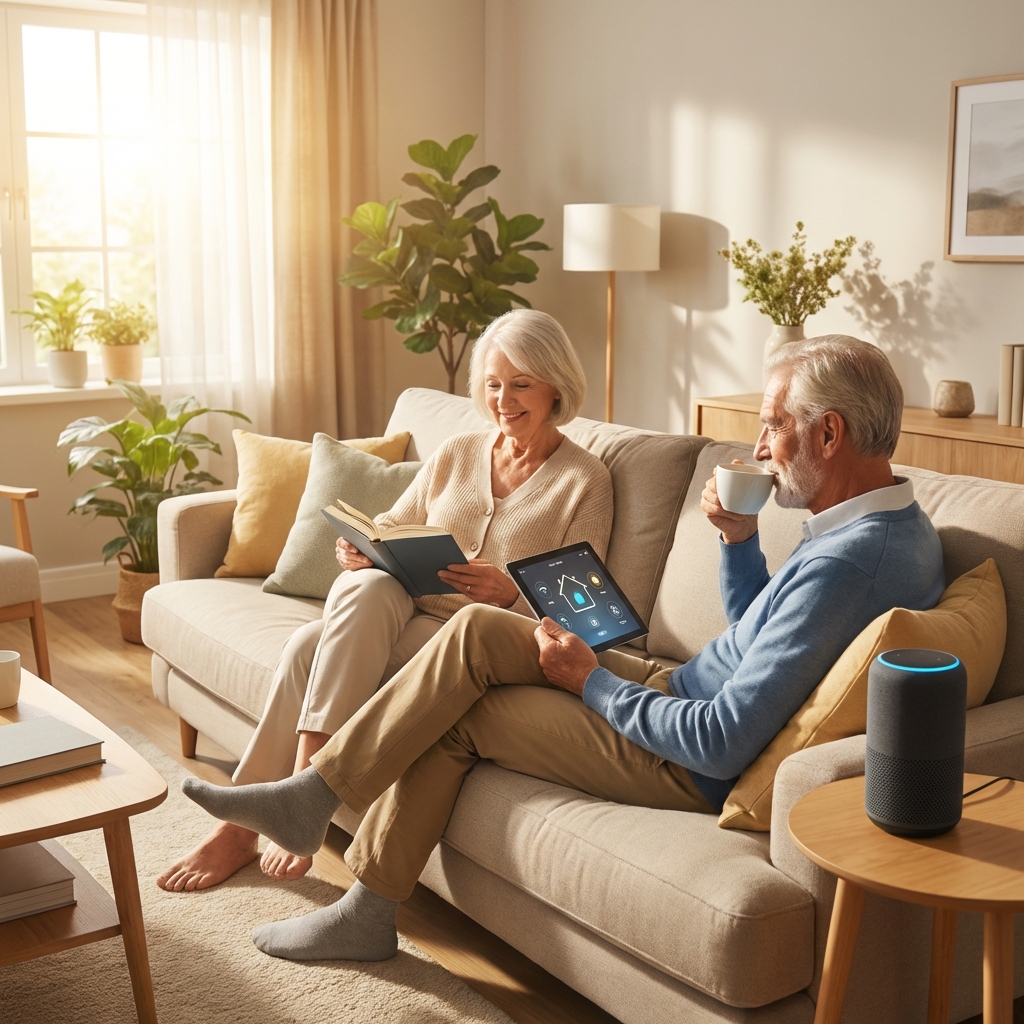
We recommend Alexa devices because they let seniors get help, information, and reminders using only their voice, with no screens or small buttons required if that is preferred.
For families and caregivers, Alexa provides a simple way to support independence, while still staying connected and aware of what is happening at home.
Voice Assistants As A Safety Foundation
Our voice assistants for seniors guide explains how Echo devices can sit at the center of a simple safety system that includes lighting, doorbells, and reminders.
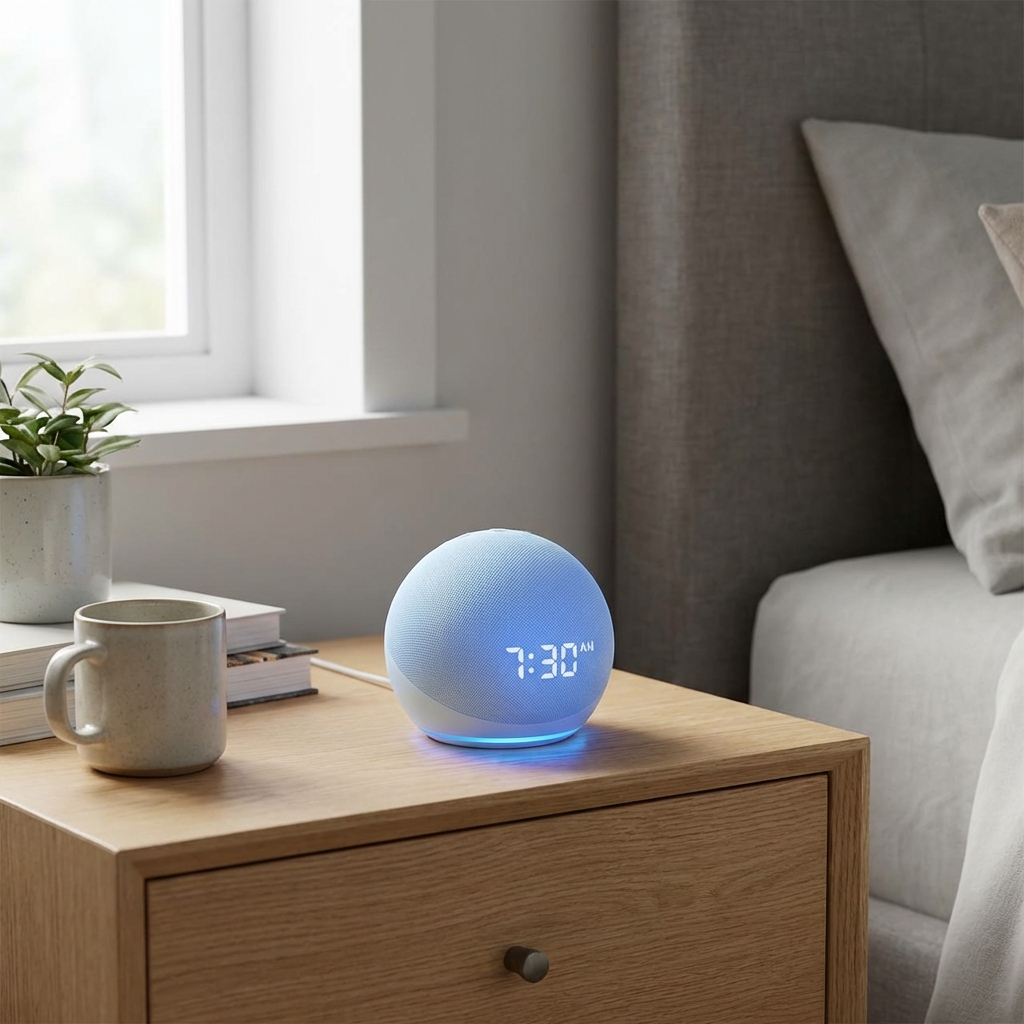
Instead of learning complex menus, seniors can say clear phrases like “Alexa, what time is it” or “Alexa, turn on the hall light” and receive instant, spoken responses.
Independence Without Complexity
Many seniors want to stay in their own homes but worry about falls, missing medications, or getting to the door in time, and Alexa can reduce these worries with simple automation.
We focus on devices and routines that are reassuring, not confusing, so even someone who has never used a smart device before can feel comfortable.
Choosing Between Speakers And Displays
Some seniors prefer “no screens needed”, while others benefit from large, high contrast displays that show clocks, reminders, or video calls.
Later in this article, we explain which Alexa speakers and Echo Show displays are easier to hear, easier to see, and easier to control for older adults.
2. Best Alexa Smart Speakers For Seniors Who Want Simple Voice Only
For seniors who do not want another screen in the house, a basic Alexa smart speaker is often the easiest starting point.
These devices sit quietly on a table or shelf and respond whenever someone says “Alexa”, without needing to be touched.
Echo Smart Speakers In Senior Homes
On our voice assistants page, we highlight how Echo devices work well in both private homes and senior living communities, especially when paired with Alexa Smart Properties solutions.
Although pricing changes often, basic Echo speakers typically sell in the $40 to $100 range depending on size and audio quality, so you can choose a model that fits your budget.
Why Speakers Work Well For Hearing And Mobility Needs
Since about two thirds of adults aged 71+ have at least some hearing loss, louder speakers with clear voice output are a practical choice.
Alexa speakers can be placed closer to where a senior spends most of their time, such as near a favorite chair or bedside table, so commands and responses are easier to hear.
Who Should Choose A Speaker First
We suggest a speaker-only device first if the senior feels anxious about new screens, or just wants to start with basic voice questions and music.
Once they are comfortable, you can add smart lights, doorbells, or displays without changing how they talk to Alexa.
3. Best Alexa Smart Displays (Echo Show) For Seniors Who Prefer Big Screens
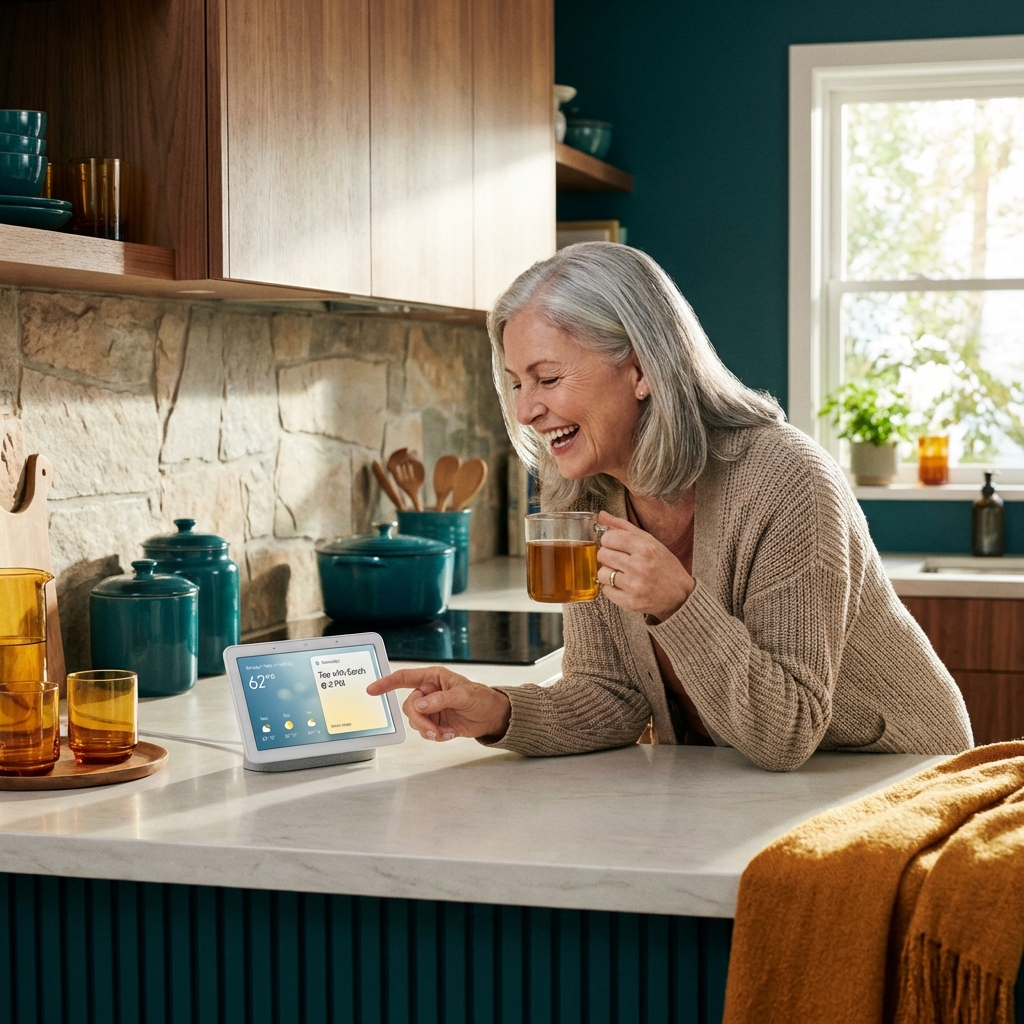
For seniors with vision changes or who like seeing the weather, time, and family photos, Echo Show displays are often the best Alexa devices.
These devices combine voice control with a clear screen, which can make reminders and calls more reassuring.
Why Displays Help With Vision And Clarity
Since about 13.6 percent of adults aged 65+ report vision impairment, a big, high contrast clock and large text on Echo Show can be very helpful.
Our indoor cameras guide even shows Echo Show used in senior living, with a clear display that lets residents and staff communicate easily.
Alexa Show Devices For Communication And Connection
With an Echo Show, seniors can make hands-free video calls to trusted contacts, which helps reduce feelings of isolation for those living alone.
Alexa can also show clear visual reminders such as “Time for your 2 p.m. appointment” alongside a chime, so even if a spoken cue is missed, the message stays on screen.
Typical Price Range And Sizes
Echo Show devices usually range from small bedside screens to larger kitchen displays, and pricing often falls in the $60 to $250 range depending on size and features.
We suggest larger screens for those with more significant vision changes, while a small screen near the bed can be enough for basic reminders and calls.
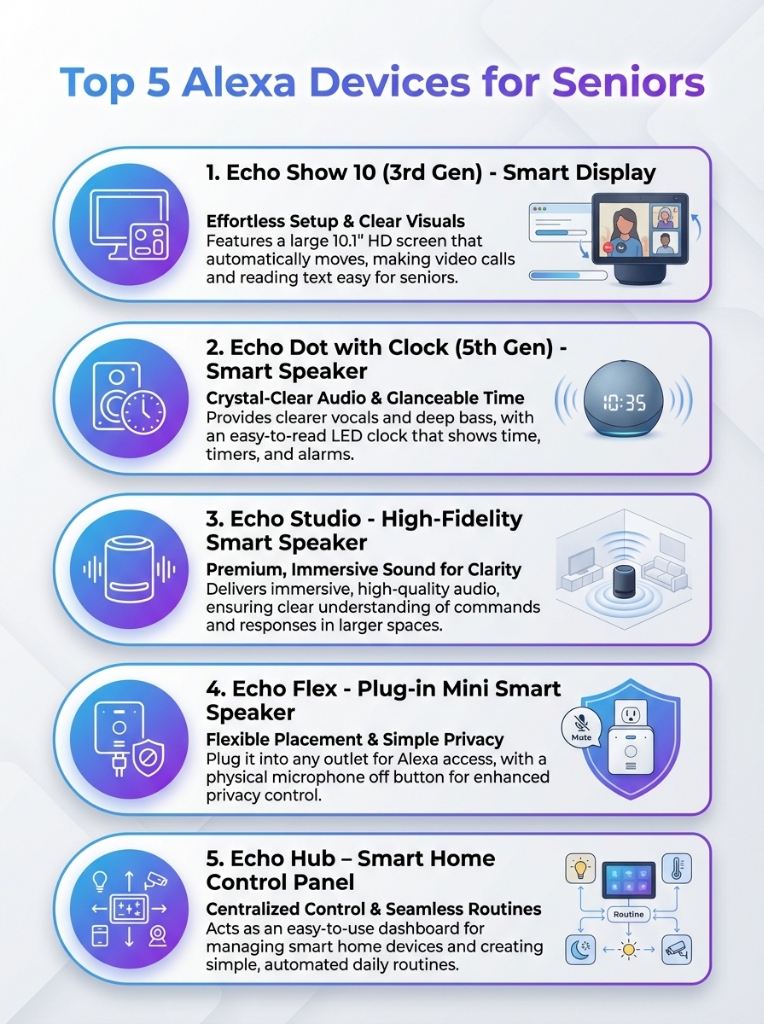
Visual summary of the best Alexa options for clarity and ease of use.
4. Best Alexa Setups For Safety: Fall Detection, Alerts, And Help On Call
Alexa devices become much more powerful for seniors when they are connected to smart safety equipment that can detect problems and request help.
We focus on setups that avoid wearables if possible, or use them only when they provide clear benefits without adding confusion.
Integrating Alexa With Smart Safety Devices
Our smart safety devices guide explains that fall detection and emergency alert systems can automatically notify caregivers or call for help when a fall is detected.
When paired with Alexa, seniors can also use hands-free voice commands like “Alexa, call for help” to trigger assistance, as long as the contact or service is set up in advance.
Examples Of Safety-Focused Alexa Routines
- “Good morning” routine that turns on lights and gives a gentle check-in reminder.
- “Good night” routine that turns off lights, locks the door, and confirms everything is secure.
- Scheduled reminders to check batteries or test emergency buttons.
These routines keep safety in mind without relying on memory alone.
Privacy And Control While Staying Safe
On our voice assistants page, we stress that safety does not need to come at the expense of privacy, and seniors can control microphones and what is shared.
Alexa devices include hardware switches to mute the microphone, and families can limit who is allowed to call in or see information, which keeps control in the senior’s hands.
5. Best Alexa-Compatible Doorbells For Seniors Who Want To See The Door Safely
For many seniors, simply answering the door can be risky if they need to rush, climb stairs, or walk in the dark.
Alexa-compatible smart doorbells let seniors see and talk to visitors using their voice, without standing up or moving quickly.
Alexa With Smart Video Doorbells
In our smart doorbells for seniors guide, we describe simple video doorbells that show who is there and offer two way audio.
When connected to an Echo Show, Alexa can automatically display the front door camera when the doorbell rings, or announce “Someone is at the front door”.
Benefits For Seniors And Caregivers
With Alexa, seniors can say “Alexa, show me the front door” instead of peeking through a window or peephole, which is especially helpful at night.
Caregivers can also receive motion or doorbell alerts on their phones, so they can stay informed if someone comes to the house unexpectedly.
Simple Doorbell Features To Look For
- Clear, loud chimes that can play on Alexa speakers.
- Simple wiring or battery power, depending on the home.
- Easy to understand app, usually set up once by a family member.
After setup, the senior mostly interacts with the doorbell through Alexa using voice commands.
6. Best Alexa-Compatible Indoor Cameras For Seniors’ Safety And Privacy
Indoor cameras can help families keep an eye on loved ones living alone, but only if they are used respectfully and with clear privacy rules.
Alexa-enabled cameras can show live views on Echo Show screens and respond to voice commands, which keeps control simple for seniors.
Balancing Monitoring And Independence
Our indoor cameras for seniors guide explains how to place cameras in common areas like entryways or kitchens, not private spaces, to maintain dignity.
With Alexa, a senior can say “Alexa, show me the living room camera” to check a noise or see if the door is closed, which supports independence as well.
Alexa Features That Work Well With Cameras
- Voice access to cameras on Echo Show devices.
- Announcements when motion is detected at certain times of day.
- Simple verbal checks like “Alexa, is the front door camera online”.
These features reduce the need for seniors to handle apps, touch screens, or passwords.
Privacy Controls Seniors Will Appreciate
Alexa and most indoor cameras include privacy modes, such as turning off the camera or blocking viewing at certain times that can be built into routines.
Families should agree on clear rules, for example only checking in after a missed daily call or if an emergency alert is received.
7. Best Alexa Lighting Setups To Prevent Nighttime Falls
Poor lighting is a major cause of falls at night, especially on the way to the bathroom or kitchen.
Alexa-controlled lights can turn on automatically with motion, or with a simple voice command, so seniors are not walking in the dark.
Smart Lighting For Fall Prevention
Our lighting and fall prevention guide shows how motion sensor lights and night lights can significantly reduce fall risk.
When linked to Alexa, these lights can be grouped into routines, such as “Alexa, night light on” that sets a gentle path from bed to bathroom.
Simple Voice Commands For Everyday Use
Seniors can quickly learn short phrases like “Alexa, turn on the hall light” or “Alexa, turn off all lights”, which reduces trips across dark rooms.
These voice commands remove the need to find small switches or navigate around furniture at night.
Lighting Routines That Work Well For Older Adults
- Automatic night lights that only turn on when it is dark.
- Scheduled lights at sunset to keep the home bright in the evening.
- “Leaving home” command that turns off all lights with one phrase.
These routines help maintain safe lighting without relying on memory every day.
8. Best Alexa Routines For Medications, Health Reminders, And Daily Structure
Alexa is particularly helpful for seniors who want gentle reminders for medications, appointments, and daily tasks.
These reminders support independence and reduce the stress of keeping track of everything mentally.
Using Alexa For Medication And Health Reminders
Our medication & health reminders guide shows how smart pill dispensers and Alexa reminders can work together to encourage consistent routines.
Alexa can be set to speak reminders at specific times, repeat them if needed, and even play a short tone until the senior responds.
Example Daily Health Routines With Alexa
- Morning routine that includes a medication reminder, weather, and schedule for the day.
- Afternoon check in, such as a reminder to drink water or stretch.
- Evening routine that reviews tomorrow’s appointments and bedtime medication times.
All of these can be triggered by phrases like “Alexa, good morning” or by a set schedule.
Keeping Things Simple And Reassuring
We keep routines straightforward, with minimal steps and clear voice prompts, so they are easy to remember and use daily.
Caregivers can adjust routines remotely if needed, but the senior only needs to speak short, familiar phrases.
9. Alexa And Comfort Devices: Thermostats, Fans, And Calm Environments
Comfort is part of safety, because extreme temperatures and poor sleep can affect balance, alertness, and overall wellbeing.
Alexa can control compatible thermostats, heaters, and fans, making it easier for seniors to maintain comfortable home conditions.
Smart Comfort Devices With Alexa
Our smart comfort devices guide explains how easy to read thermostats and simple controls can maintain safe temperatures automatically.
With Alexa, seniors can say “Alexa, set the temperature to 72” instead of walking to the thermostat, which is especially helpful at night or for those with mobility limits.
Reducing Nighttime Discomfort
Alexa routines can turn on a fan or adjust the thermostat at bedtime, then return to a daytime setting in the morning.
This automatic adjustment reduces the need for seniors to get up during the night to change settings.
Environmental Cues And Calm Routines
Soft music, dimmed lights, and a comfortable temperature can be grouped into a single “Alexa, bedtime” routine to create a calm environment.
This kind of routine supports better rest and reduces late night wandering around the home.
10. Building Daily Alexa Routines For Seniors: A Simple Roadmap
The best Alexa devices for seniors work even better when they are organized into daily routines that match real life habits.
We recommend starting small, then expanding as the senior grows more comfortable with Alexa.
Step By Step Routine Building
Our smart home daily routines page provides a beginner friendly roadmap to set up morning, afternoon, and evening routines with Alexa, Google, or Apple.
For Alexa, the key is to pick one or two anchor routines first, such as “good morning” and “good night”, then add devices and steps slowly.
Example Senior-Friendly Routine Plan
- Week 1, basic questions and music on an Alexa speaker.
- Week 2, add one lighting routine and one medication reminder.
- Week 3, connect a doorbell or camera if needed, and practice simple commands.
This gradual approach keeps the experience reassuring, not overwhelming.
Adjusting As Needs Change
As seniors gain confidence with Alexa devices, routines can be updated to reflect new safety needs, new appointments, or new comfort preferences.
We encourage families to review routines regularly together, so the senior always feels in control of how Alexa is used in their home.
What to Buy Now: Best Alexa Voice Assistants
Based on our testing and research, these are the top Alexa devices available right now that balance ease of use, screen visibility, and audio quality for seniors.
| Product | Best For | Action |
|---|---|---|
| Echo Show 10 (3rd Gen) Large 10.1" HD Motion Screen |
Seniors who want the clearest video calls and a screen that follows them as they move. | Buy Now |
| Echo Dot with Clock (5th
Gen) Compact Smart Speaker |
Bedroom side tables; easy to see the time and simple voice commands without a camera. | Buy Now |
| Echo Show 8 (3rd Gen) 8" Touchscreen Display |
The "Goldilocks" choice—perfect size for kitchens or living rooms for photos and reminders. | Buy Now |
| Echo Show 5 (3rd Gen) 5.5" Bedside Display |
Small spaces or nightstands. Good for basic video calls and alarm clock functions. | Buy Now |
Conclusion
The best Alexa devices for seniors are not the most expensive or complex ones, but the ones that are easy to hear, easy to see, and easy to use every day.
By choosing a simple Alexa speaker or Echo Show, adding safety devices like smart lighting and doorbells, and building a few reassuring routines, seniors can stay independent longer while families gain peace of mind that support is always one voice command away.